Programming & automation
Develop applications and automate repetitive tasks for accounting firms, businesses and digital product teams.
Learn moreExpertise
A better protected working environment.
Let’s discuss your project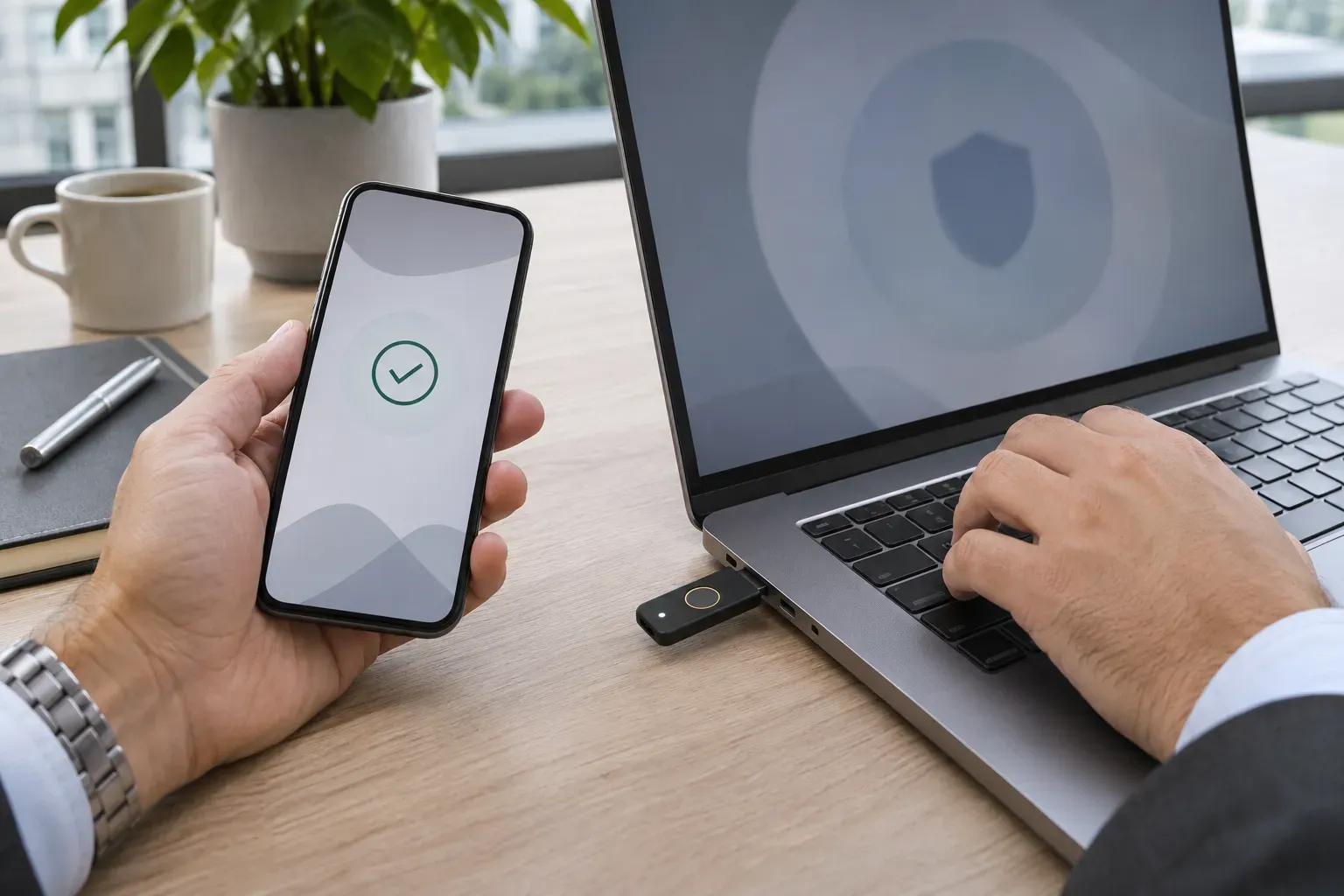
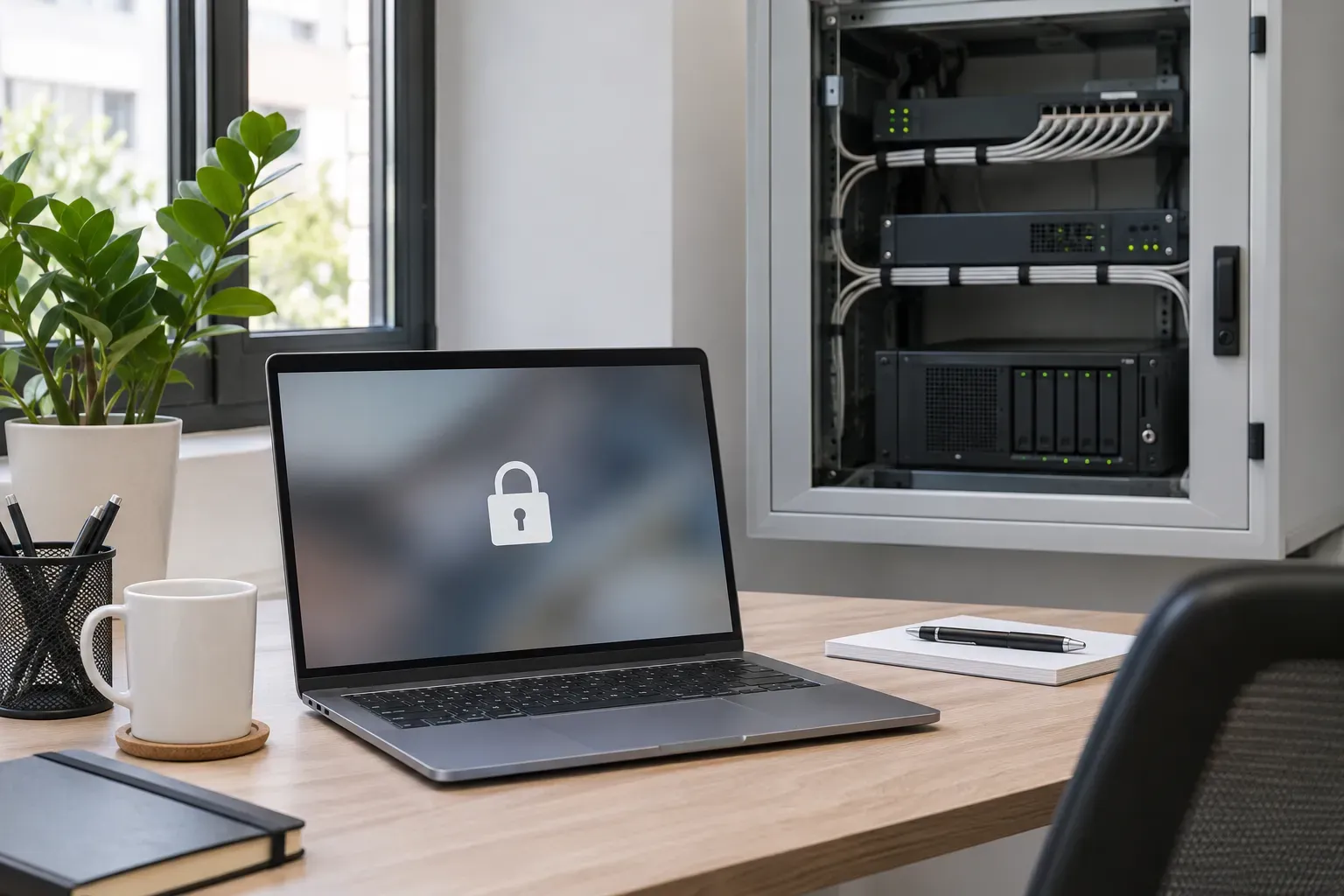
Illustrative images generated by AI.
A VPN creates an encrypted tunnel between workstations, in the office or working remotely, and the central server; the configured management tools give the director an overview on their PC.
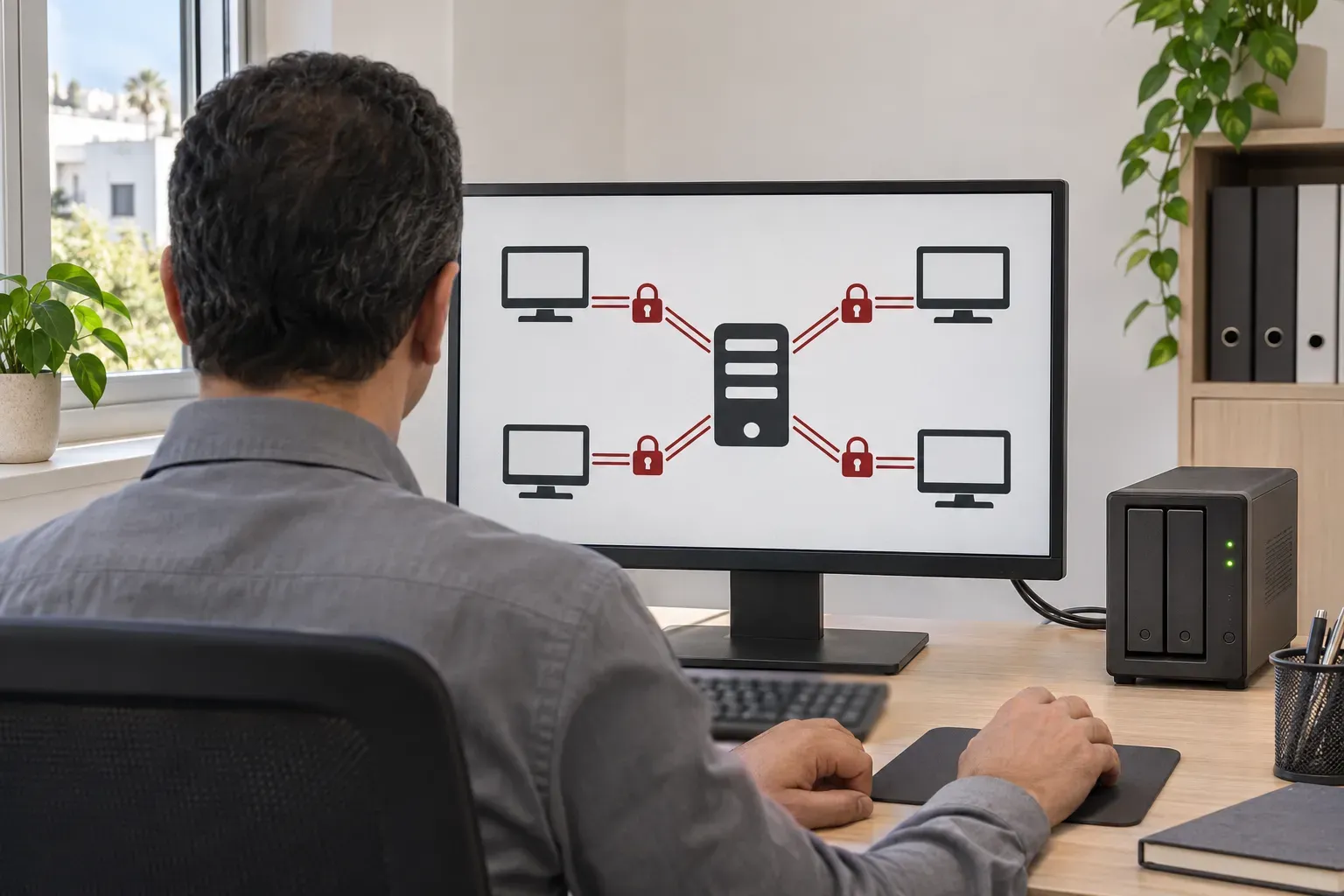
Bring employee data together and manage their workstations from the firm’s server or a dedicated central PC through encrypted VPN connections.
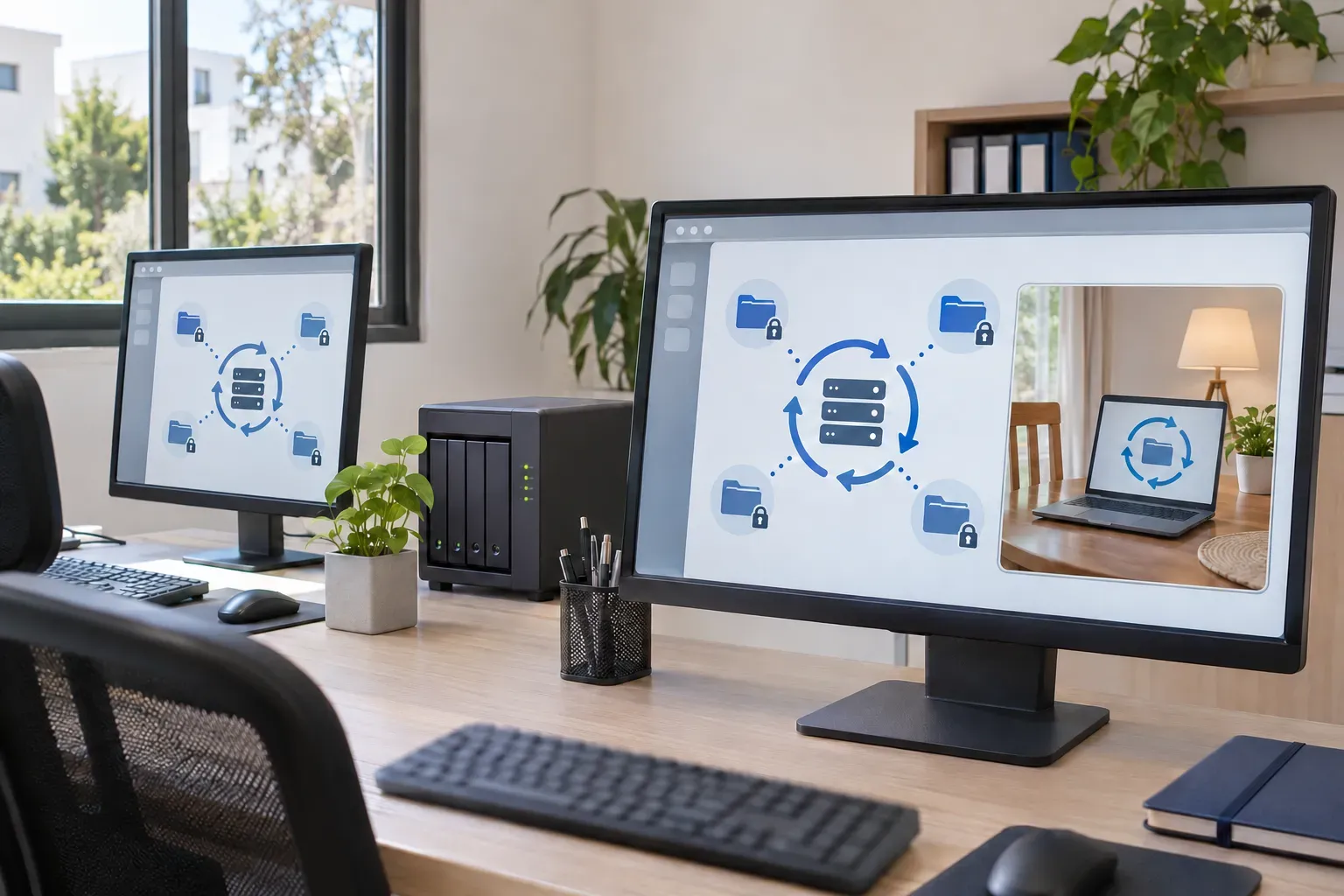
Synchronize employees’ folders with the central hub and arrange backups to keep file versions up to date, including when working remotely.
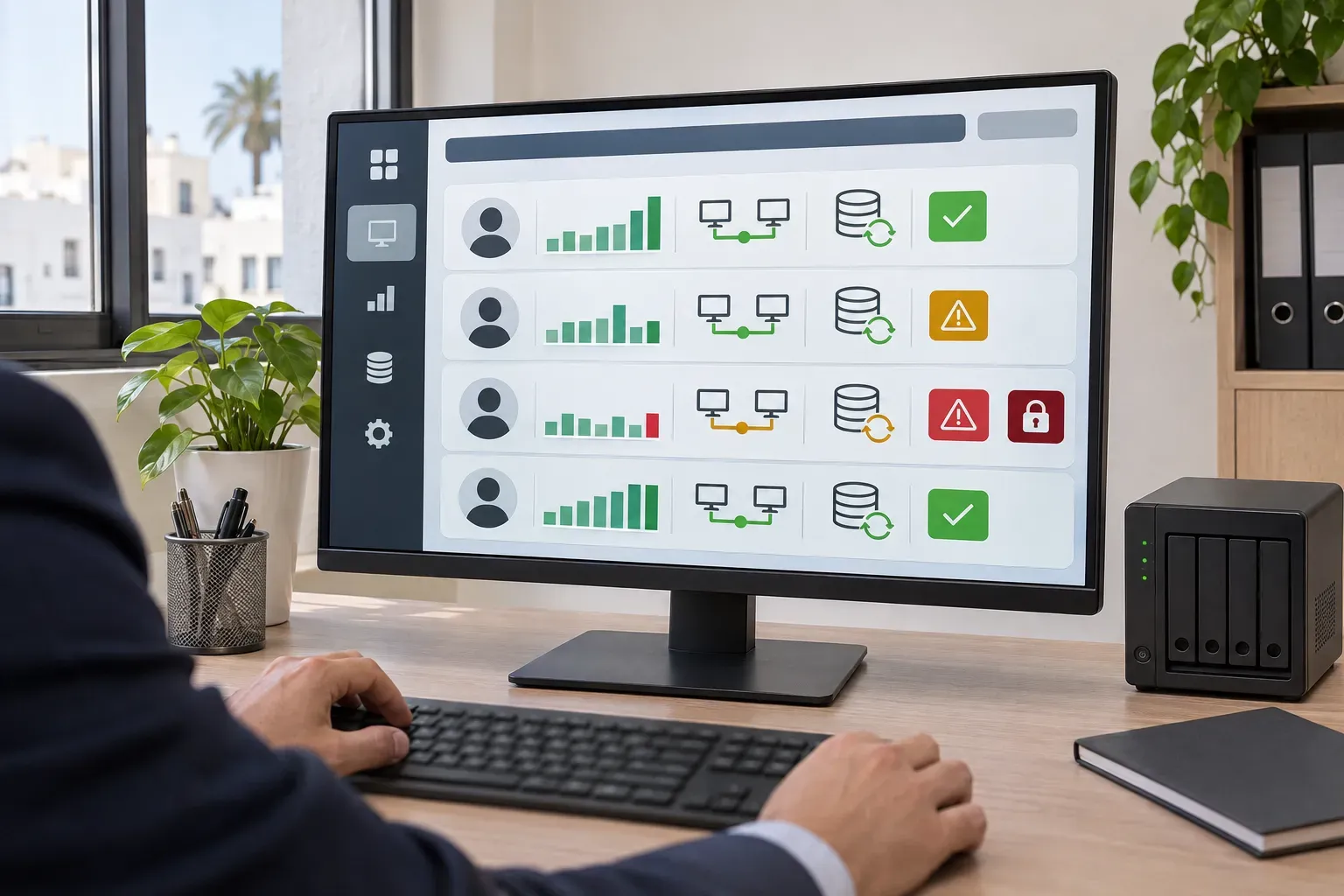
View per-employee statistics in a dashboard: connections, workstation activity, backup status and alerts.
Cut off remote access by disabling an account, locking a workstation or revoking its VPN access when an employee leaves, a laptop is lost or an incident occurs.
Illustrative images generated by AI.
Employees are informed of the monitoring, access to statistics is restricted to the director, and its purpose is limited to security and work organization, respecting personal data protection and Tunisian Organic Law No. 2004-63.
For accounting firms and businesses that want to protect their working environment, remote access and the documents they exchange with clients.
Review access, workstations, document sharing and backups with the people involved.
Define measures based on identified risks, working practices and organisational constraints.
Configure the agreed protections, check permissions and test access and data recovery.
Document procedures, raise team awareness and agree which checks to repeat.
Your needs may span several areas of expertise. One point of contact connects your workflows, tools and the people using them.
Develop applications and automate repetitive tasks for accounting firms, businesses and digital product teams.
Learn moreInstall and maintain IP cameras, NVR recorders, intruder alarms and access control systems, with secure remote viewing on your phone.
Learn moreIn development: the solution will let you prepare lead schedules, document audit tests performed and draft the summary memorandum in one engagement file.
Learn moreTrain staff and auditors in TEIF and El Fatoora e-invoicing, accounting without re-keying, safe AI practices and audit data analytics, with a test before and after.
Learn moreOne specific need, or several things to connect? Tell us about your project to start the conversation.
Let’s discuss your project